 ALERT
ALERT
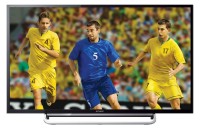
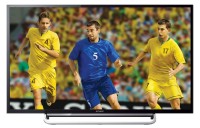
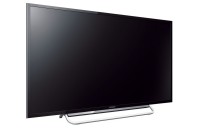
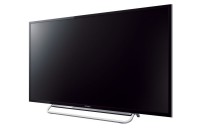
Sony KLV-40R482B Specifications
Similar Products
TV
Sony LED TV Specifications
Rs.45,000.00
TV
Sony 3D TV Specifications
Rs.77,900.00
TV
Samsung LED TV Specifications
Rs.55,900.00
TV
Samsung Smart TV Specifications
Rs.57,000.00
TV
Samsung LED TV Specifications
Rs.58,900.00
| Price & Sharing | |
|---|---|
|
Rs.49,400.00
|
|
| TV Type | Smart TV (2016) |
| Screen Size | 40 Inch (102 cm) 40 Inch TV Dimensions |
| Screen Resolution | 1920 x 1080 |
| Aspect Ratio | 16:9 |
| Motion Rate | 100 Hz |
| Viewing Angle | 178° |
|
View Latest 40.00 inch Smart TV Prices & Features
|
|
| USB Features | |
| USB Version | 2.0 |
| Supported Audio Formats | MP3, AAC, WMA |
| Supported Video Formats | MKV, DivX, MP4, AVI, ASF, MOV, FLV, DAT, VOB |
| Supported Picture Formats | JPG |
| Other Video Features | |
| Dimming Type | Frame Dimming |
| Live Colour™ | Yes |
| Digital Noise Reduction | Yes |
| MPEG Noise Reduction | Yes |
| Advanced Contrast Enhancer (ACE) | Yes |
| 24P True Cinema™ | Yes |
| Screen Format | TV: Auto Wide/ Full/ Normal/ Wide Zoom/ Zoom/ Caption/ 14:9/ PC: Full 1/ Full 2/ Normal |
| Picture Mode | Vivid, Standard, Custom, Photo-Vivid, Photo-Standard, Photo-Custom, Cinema, Game, Graphics, Sports |
| CineMotion/Film Mode/Cinema Drive | Yes |
| 3D Comb Filter | Yes |
| Colour System | PAL, SECAM, NTSC 3.58, NTSC 4.43 |
| Video Signal | 1080/24p (HDMI only), 1080/60i, 1080/60p (HDMI / Component), 1080/50i, 1080/50p (HDMI / Component), 480/60i, 480/60p, 576/50i, 576/50p, 720/60p, 576/50p, 1080/30p (HDMI only), 720/30p (HDMI only), 720/24p (HDMI only) |
|
|
|
| Other Audio Features | |
| Sound Mode | Standard, Music, Cinema, Game, Sports |
| S-Master | Yes |
| Dolby® | Dolby® Digital |
| Stereo System | NICAM/A2 |
| Audio Output Power | 8W + 8W |
| Speaker Configuration | 2 Full Range (30 x 80 mm) x 2 |
| Speaker Type | Bass Reflex Speaker |
| Clear Phase Speaker | Yes |
| Connectivity Options | |
| HDMI™ Connections | 2 (Side) |
| USB 2.0 | 1 (Side) |
| Analog Audio Input(s) for HDMI | 1 (Side) |
| Composite Video Input(s) | 1 (Bottom) Hybrid w/Component |
| Component Video (Y/Pb/Pr) Input(s) | 1 (Bottom) Hybrid w/ Composite |
| RF Connection Input(s) | 1 (Bottom) |
| Analog Audio Input(s) | 2 (1 Bottom/1 Side) |
| Audio Out | 1 (Bottom/Hybrid w/Headphone) |
| Headphone Out | 1 (Bottom/Hybrid w/ Audio Out) |
| MHL (Mobile High-Definition Link) | Yes. MHL stands for Mobile High-Definition Link technology, which allows you to display your smartphones content to a TV, all while charging your mobile device. |
| Wi-Fi Connectivity | Built -in Wifi for Media Sharing (Photos, Videos, Music) |
| Wi-Fi Direct | Yes. Wi-Fi Direct™ is a wireless technology that enables Wi-Fi Direct devices to connect directly to one another. This means users on the go can print documents, share data, sync files, and display information from notebooks and netbooks, as well as from devices like smartphones and tablets. |
| Smart TV Features | |
| Screen Mirroring | Yes |
| Photo Share | Yes |
|
|
|
| Other Features | |
| BRAVIA Sync | Yes |
| FM Radio | Yes |
| Photo Frame mode | Yes |
| Scene Select | Photo, Music, Cinema, Game, Graphics, Sports, Auto |
| Parental Control | Yes |
| Clock | Yes |
| Sleep Timer | Yes |
| On/Off Timer | Yes |
| Teletext | Yes |
| OSD Indian Language | Indian Languages: Assamese/ Bengali/ Gujarati/ Hindi /Kannada/ Malayalam/ Marathi/ Oriya/ Punjabi/ Tamil/ Telugu |
| OSD Other Language | Other Languages:Afrikaans/ Arabic/ English/ Persian/ French/ Indonesian/ Portuguese/ Russian/ Swahili/ Thai/ Turkce/ Vietnamese/ Simplified Chinese/ Zulu |
| Dynamic Backlight Control | Yes |
| Backlight Off Mode | Yes |
| Power Saving Modes | Yes |
| General Specifications | |
| Power Requirements | DC 19.5V |
| Power Consumption | 75 watts |
| Standby Power Consumption | 0.5 watts |
| Weight with Stand | 7.5 Kg |
| Weight without Stand | 7 kg |
| Dimensions | |
| Without Stand | 926.00 mm x 556.00 mm x 89.00 mm |
| With Stand | 926.00 mm x 584.00 mm x 162.00 mm |
| Supplied Accessories | |
| Remote Control | RM-GA024 |
| Batteries | R03 |
Compare with similar Smart TVs
Sony KLV-40R482B
VS
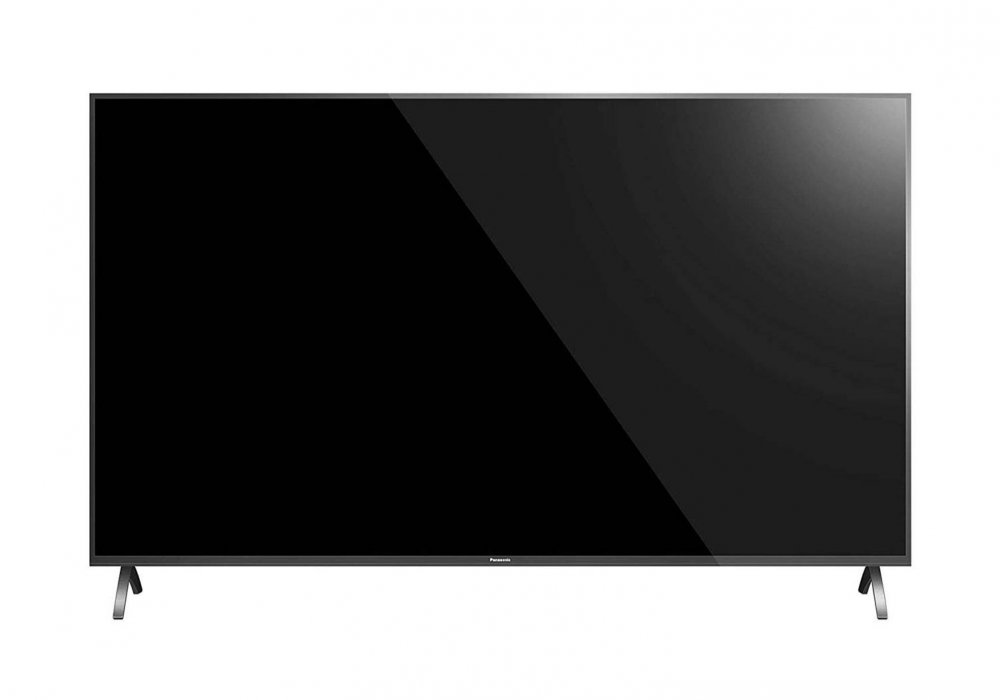
Panasonic TH-43GX655DX
Sony KLV-40R482B
VS
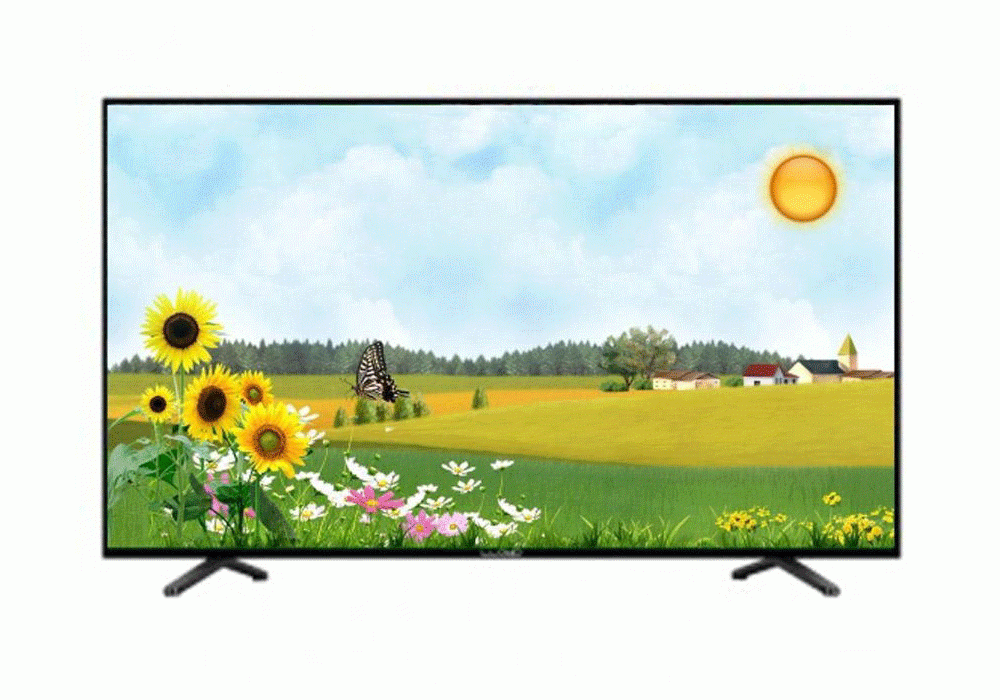
Lloyd L42UHD
Sony KLV-40R482B
VS
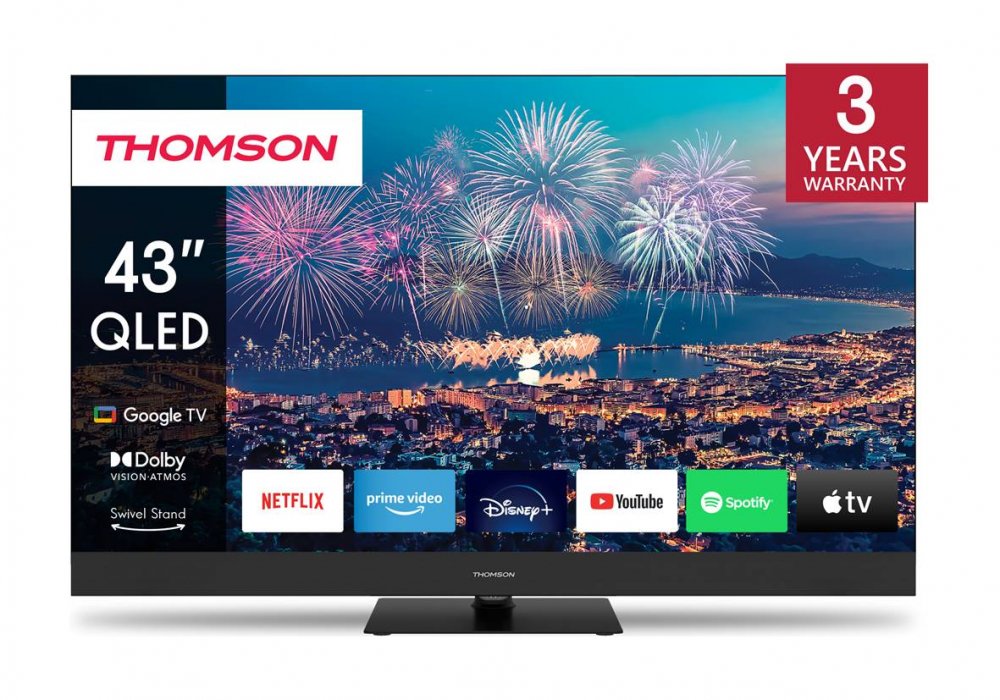
Thomson 43QG6C14
Sony KLV-40R482B
VS
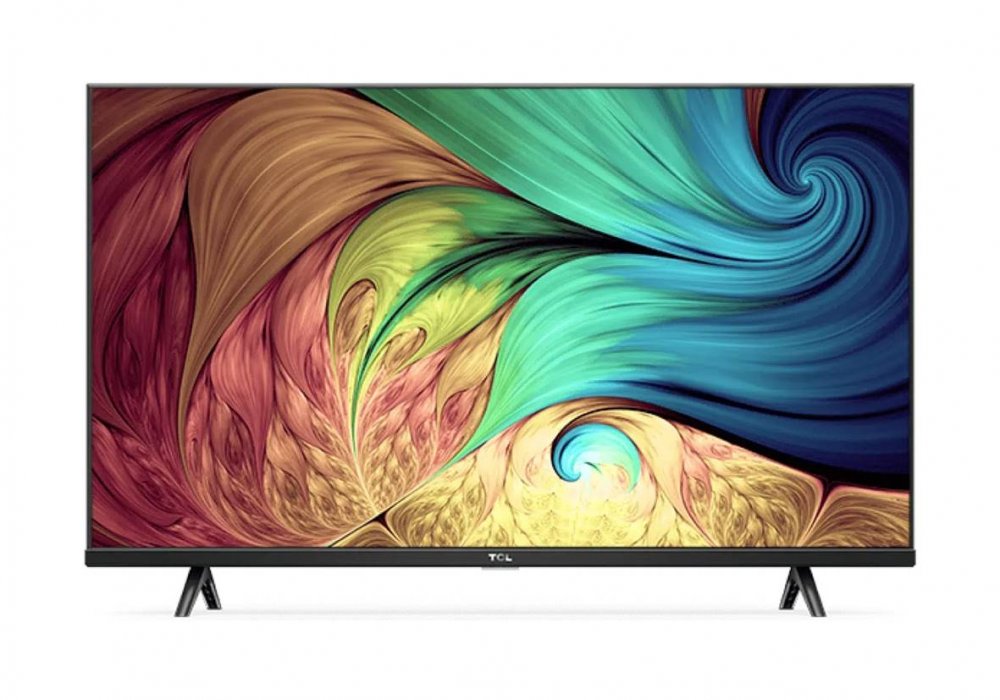
TCL 43S625/43S625-AU
Sony KLV-40R482B
VS
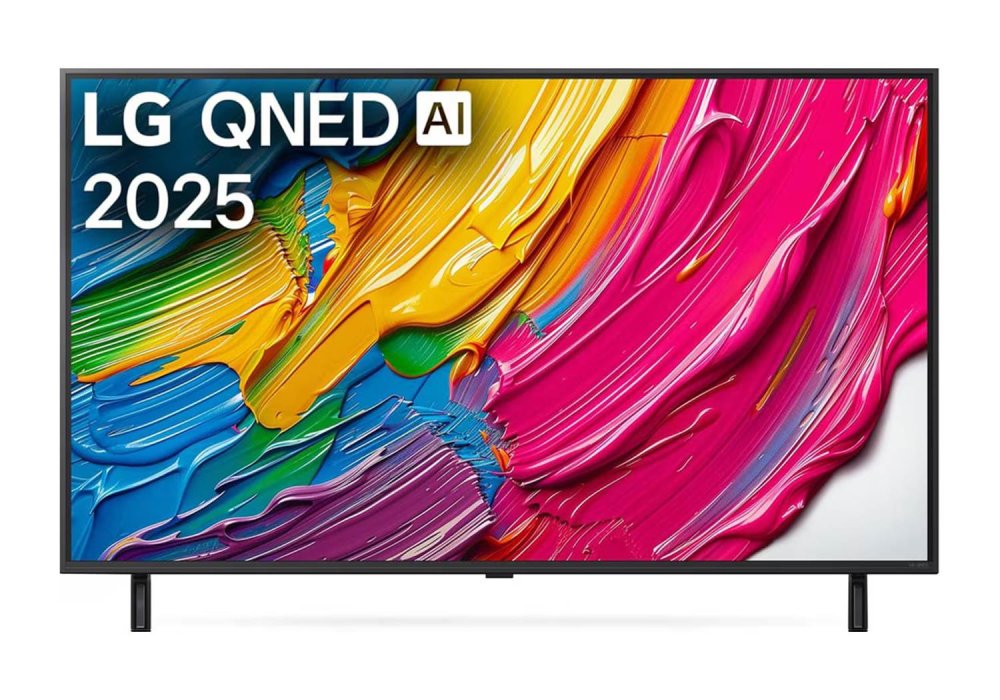
LG 43QNED8BA6A
Sony KLV-40R482B
VS
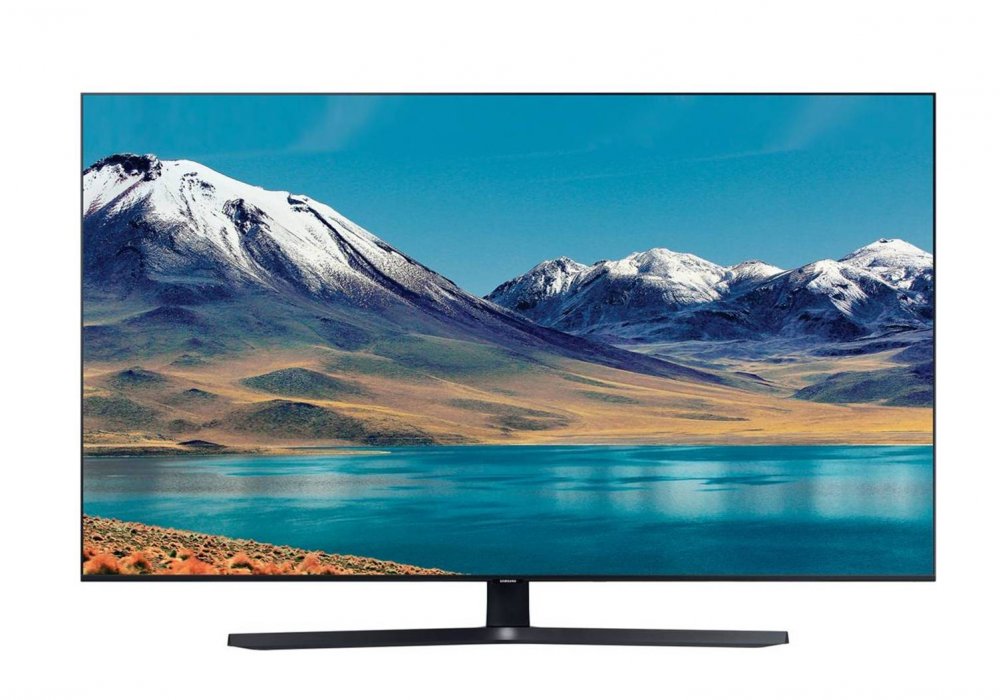
Samsung UA43TU8570UXXL
Sony KLV-40R482B
VS
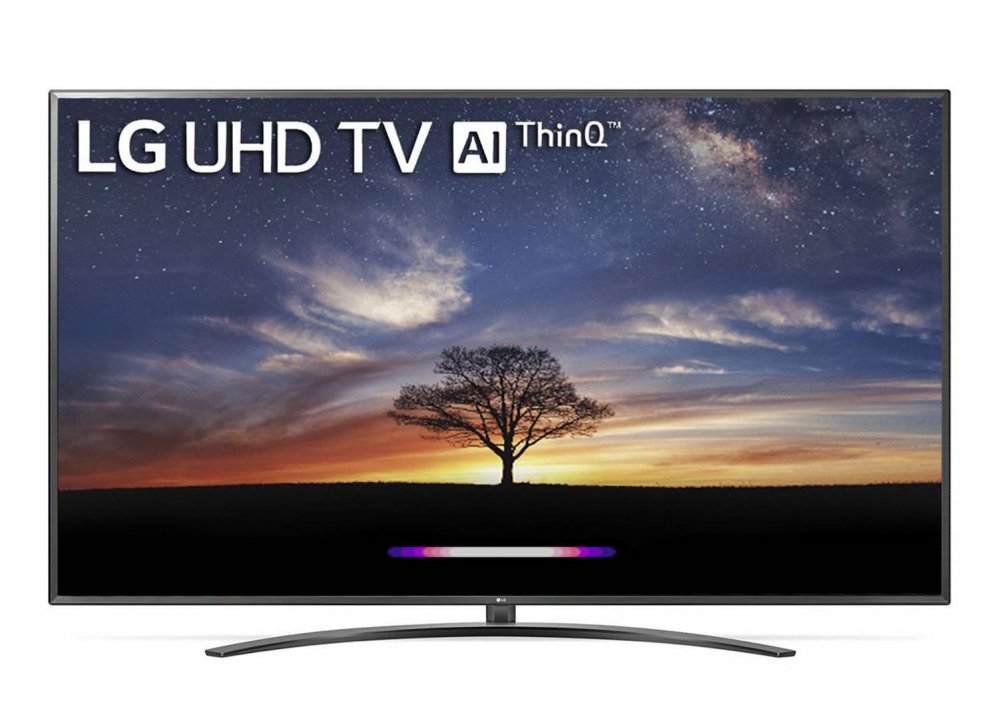
LG 43UM7600PTA
Sony KLV-40R482B
VS
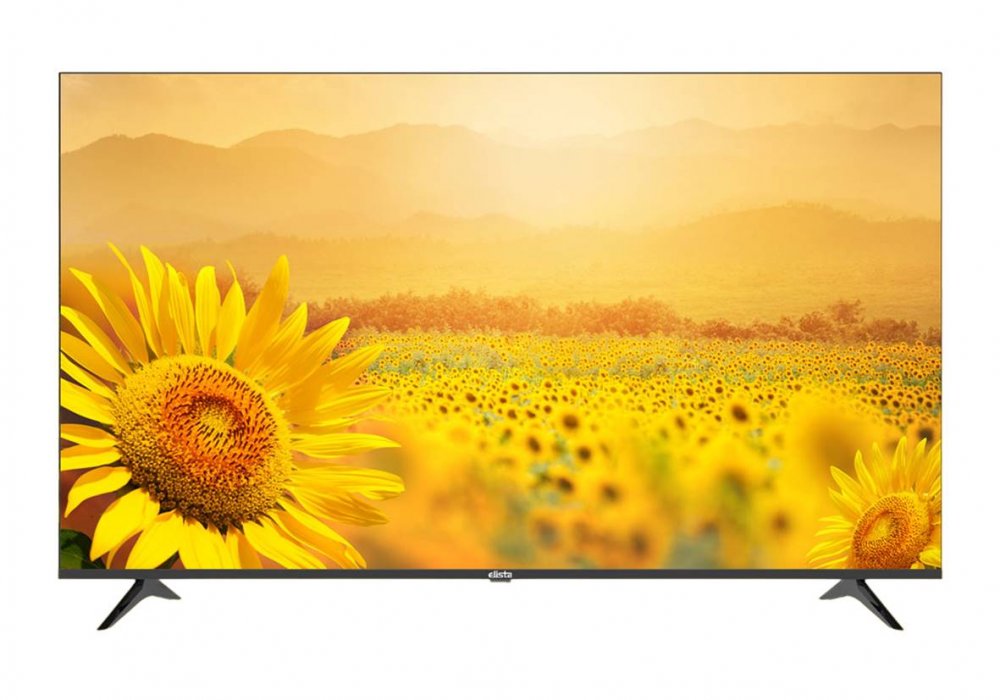
Elista GTV-43UILD
Sony KLV-40R482B
VS
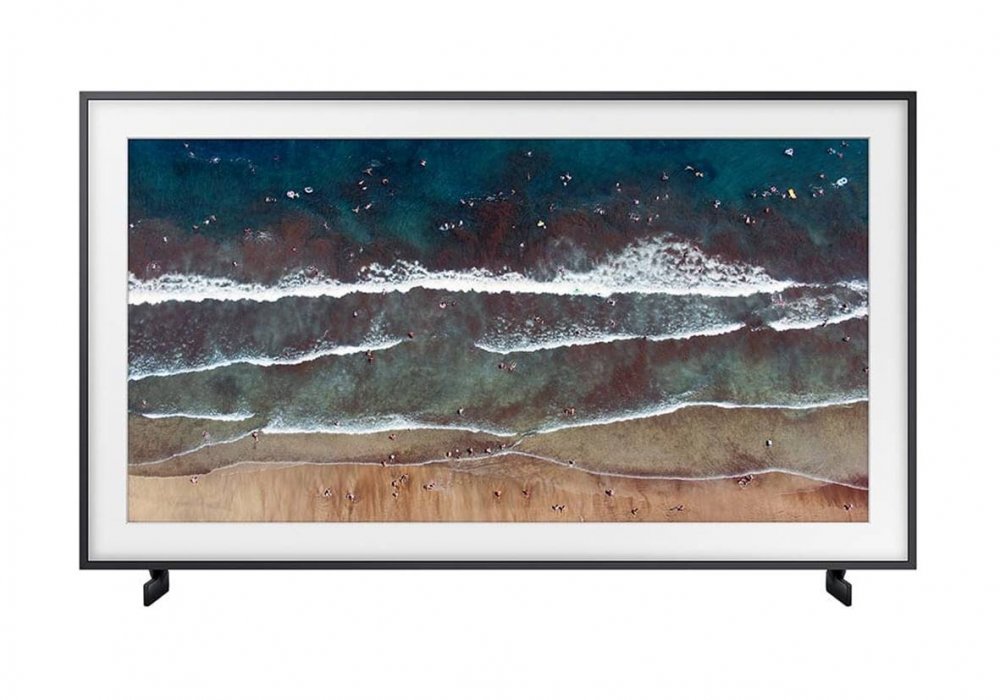
Samsung HG43TS030AK
Sony KLV-40R482B
VS
Sansui SME43QX0ZSA
Frequently Asked Questions
How to connect wifi in sony bravia klv-40r482b ?
1. Press the HOME button on the remote.
2. Select Settings.
3. Select Network.
4. Select Network setup.
5. Select Set up network connection or Wireless Setup.
6. Select the connection method.
When connecting automatically with the WPS button on your wireless router (or access point)
Select Easy, Auto, or WPS (Push Button).
When connecting manually after selecting a network from the list of scanned wireless networks
Select Expert, Custom, or Scan.
7. Follow the on-screen instructions to complete the setup.